
Todays blog will take a look how to request an application in Pckgr from the Winget repository and the behind the scenes process it goes through.
Searching Winget for an application
We are wanting to see if the Dell Display Manager is available already via Winget. To search for applications, open up PowerShell and use the Winget search function to see if the application you want is available.

In our case, we were in luck and Dell Display Manager was already in the Winget Repo!

We then copy the Winget ID of the application so we can request the package from the Pckgr dashboard.
Requesting the application from Pckgr
To request an application from Pckgr, we logged into our account and navigated to the dashboard. From here you can select the “Request Winget Application” tile which opens a popup window. We can copy and paste the ID to request the application.

Approval Process
Once the application has been requested, the package is automatically created and the Pckgr team is notified of the request. The following process is the carried out by the Pckgr team before being made available to customers.
We then check the request to verify the trustworthiness of the vendor and the state of the Winget package. An application can be rejected for a couple of reasons:
- Application purpose does not align with Pckgr
- Application security does not meet Pckgr standards
- Application fails to install during testing
- Maintenance of the Winget package too difficult (issues with detecting new versions, download links hidden behind sign up)
Application has been approved!
If an application passes our vetting process and gets approved, it typically indicates that the application has been successfully installed during tests and its Winget manifest is up-to-date and properly maintained. However, if we spot a Winget package that’s been neglected or hasn’t seen an update in a while, that’s where our Pckgr Bot comes in. We’ll get the bot up to speed to monitor that application’s updates. Once trained, Pckgr Bot keeps a vigilant watch, automatically submitting new manifests to Winget whenever a new version is detected.
What do we do when the manifest is outdated?
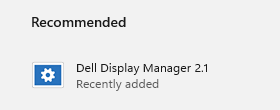
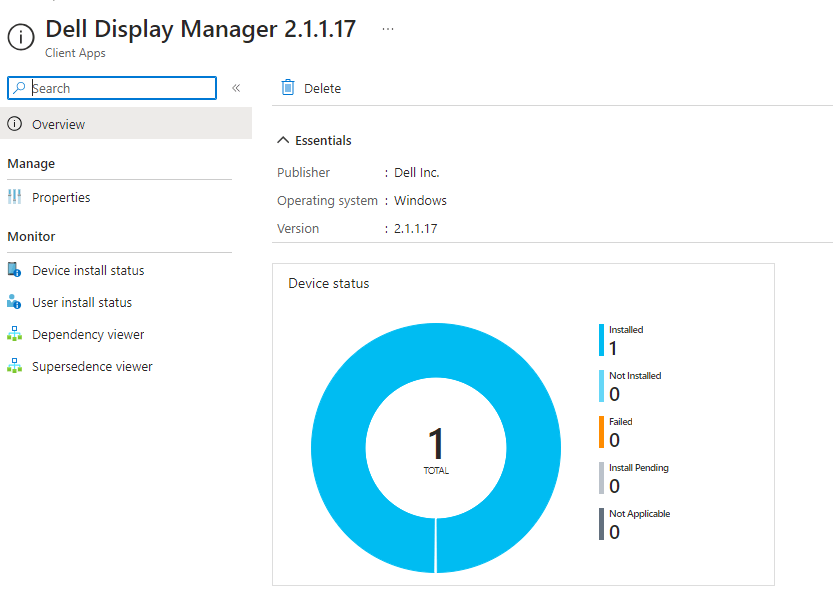
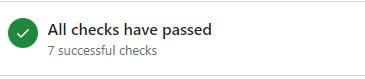
From the screenshot shared above, it’s clear that the Display Manager installation went off without a hitch! But, it looks like the version is a bit behind the times and is due for an update. Not to worry—we’ve already looped this into our Pckgr Bot’s to-do list and have sent off a new pull request to the Winget Repository. As of this note, it’s aced the validation tests and is just waiting for approval by the moderators.
Summary
Depending the size of the queue, application requests, if approved can be made available anywhere for 48 hours to a week. If you have been waiting on a request please and are curious about it’s status, please don’t hesitate to get in touch with us.
 Pckgr Blog
Leave a comment