
We’ve had a run of customers ask how to package Autodesk DWG TrueView for Intune, so here’s a step-by-step guide that keeps everything inside Pckgr.
What we’ll do 📋
- Grab the offline installer & extract it silently
- Bundle the extracted folder as dwgtrueview.zip
- Create a Custom Application in Pckgr
- Deploy to Intune
Step 1 – Download & self-extract the offline installer
- Head to Autodesk DWG TrueView | DWG Viewer and download your required version. (you’ll get a file named
Create_Installer_PLC0000037_xx_English_WIN64.exe). - Open an elevated Command Prompt in the download folder and run:
Create_Installer_PLC0000037_2026_English_WIN64.exe -q
-q triggers a fully silent extraction that drops the full media (Setup.exe, ODIS folder, manifest, etc.) into the Downloads folder.

Step 2 – Create dwgtrueview.zip
Zip the entire extracted folder exactly as-is (root contains Setup.exe, manifest, x64, ODIS, etc.).
Name the archive dwgtrueview.zip.
IMPORTANT!
When zipping, don’t zip the root folder. Instead, click into the folder, select all files then right click on one of the files and ZIP. This will ensure the files are nested directly inside the ZIP.

Step 3 – Add a Custom Application in Pckgr
- From the Pckgr Dashboard, select New Application → Custom Applications
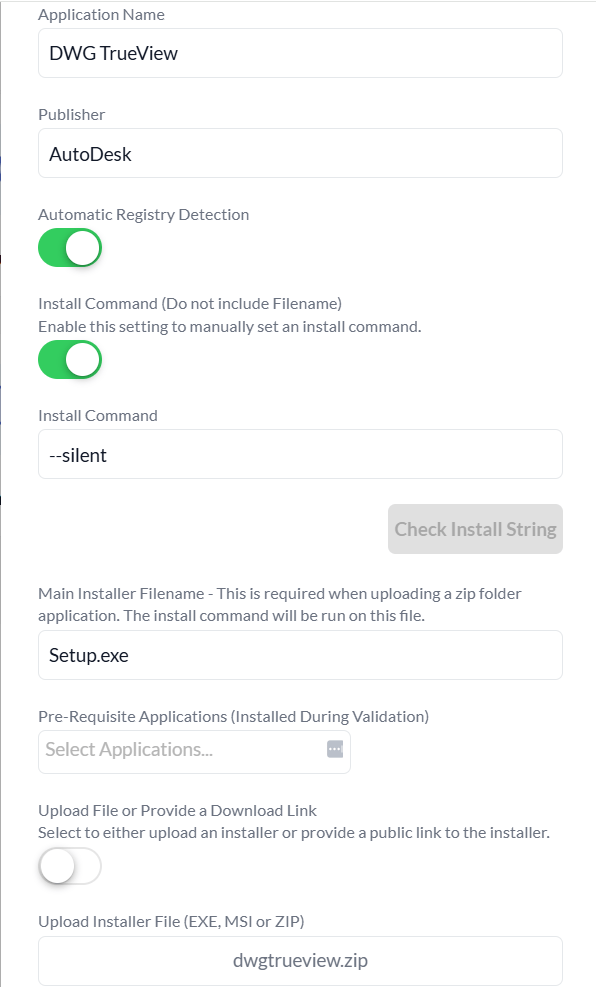
- Fill in the basics:
| Field | Value |
|---|---|
| Application Name | DWG TrueView |
| Publisher | Autodesk |
| Automatic Registry Detection | On |
| Main Installer Filename | Setup.exe |
| Upload Installer File | dwgtrueview.zip |
- Toggle Install Command and paste:
--silent
Step 4 – Click Verify
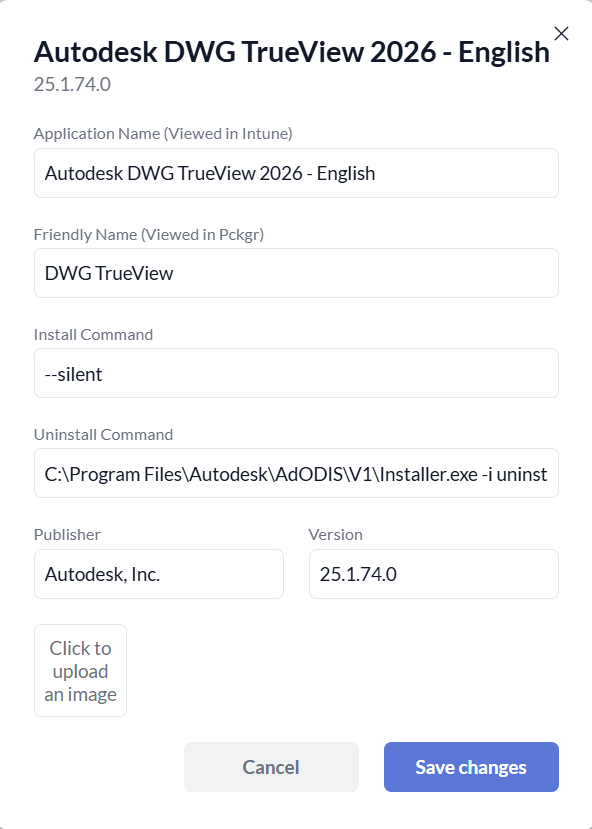
Pckgr spins up a test VM, installs DWG TrueView, auto-builds the Intune detection script, and harvests the uninstall string from the registry.
Step 5 – Deploy it to Intune 🚀
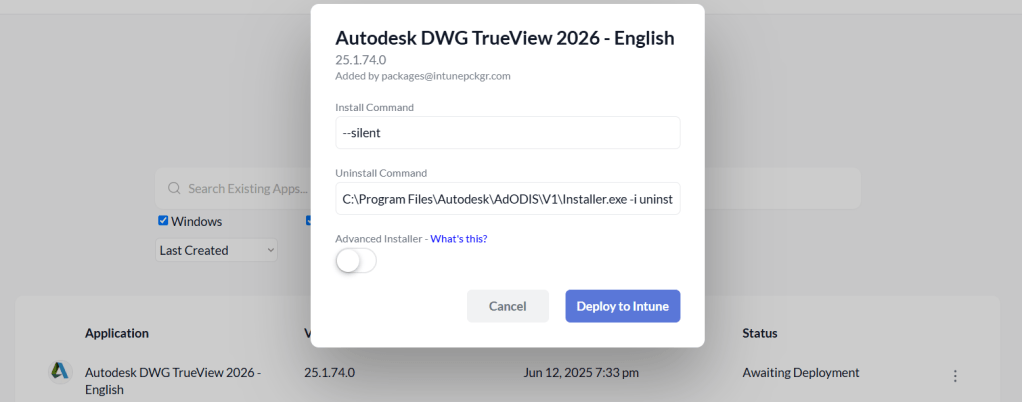
Once the Custom Application has been saved, head over to the Pckgr Library to find it. Click Deploy to Intune and let Pckgr wrap the Win32 package, upload it to your tenant, and create the app with the detection rules pre-populated from the registry.
Tip: Because DWG TrueView is > 2 GB once extracted, upload can take a few minutes
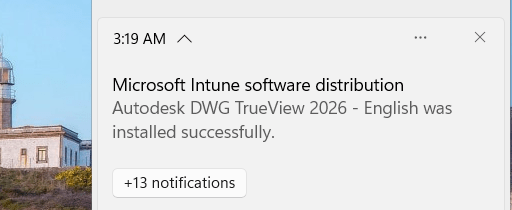
And that’s it!
Give it a spin in your test tenant—and if you’re not yet a Pckgr customer, grab a 30-day trial at https://intunepckgr.com and see how much packaging time you save. Happy deploying!
 Pckgr Blog
Leave a comment