
Today we are looking at a simple but great feature, allowing users the ability to uninstall applications from the Company Portal. This is great for businesses that are going for more of a “Self Service” method where they are making applications available in the Company Portal for users to install at their leisure.
Previously, users were only able to install applications from the Company Portal, uninstalling wasn’t an option. This often led to devices becoming cluttered with applications users no longer needed but couldn’t remove on their own. The only workaround was for an Intune admin to manually assign the app to an uninstall group or log in to the device and remove it manually.
Now, Intune admins can give users the power to uninstall these applications directly from Company Portal.
Deploying the Application to Intune
For this demonstration, we’ll use Pckgr to deploy Notepad++ to Intune. During deployment, we’ll enable the “Allow Uninstall for Company Portal” option.
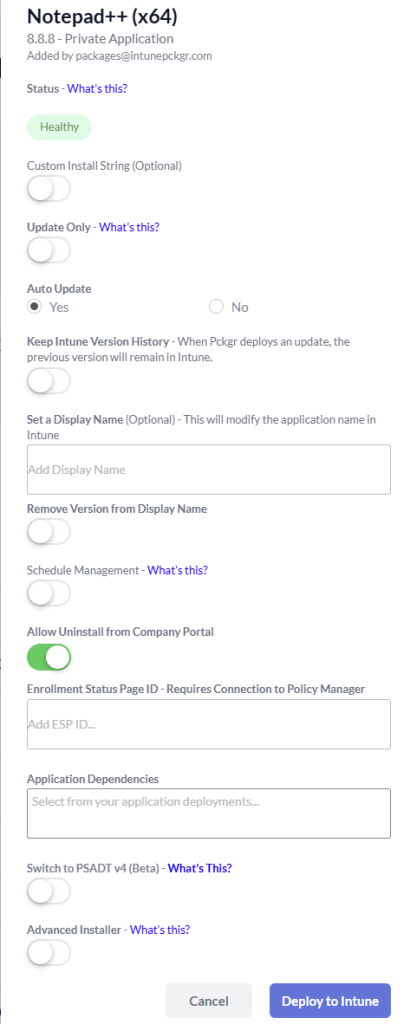
Once deployed, we’ll assign the application as Available for all users.

Installing the Application Via the Company Portal
On a test device, we open the Company Portal and sure enough, Notepad++ is available for install.
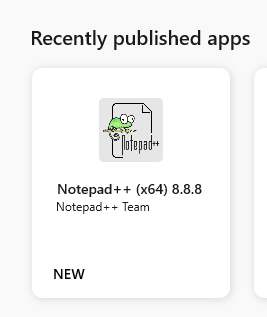
Let’s go ahead and install the app.
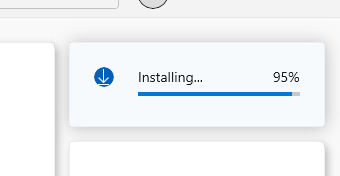
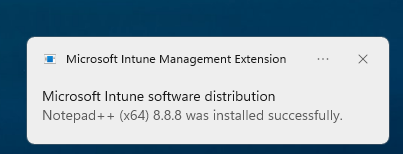
Uninstalling the Application
Now that the app is installed, it’s time to uninstall it.
But wait, where’s the uninstall button?
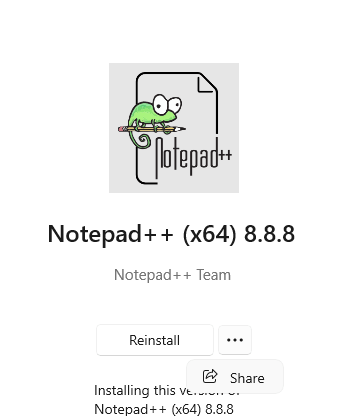
Ah, turns out you have to click back out of the app page and re-enter it in order for the button to update. Once refreshed, the Uninstall button appears and the app removes cleanly.
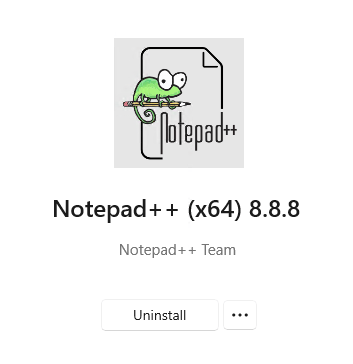
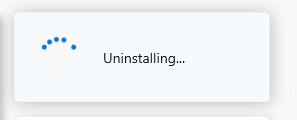
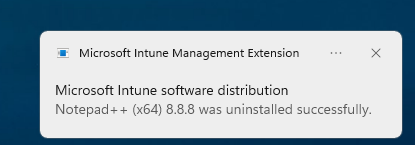
Success! Users can now manage both installing and uninstalling apps directly from the Company Portal, without needing admin intervention.
The Summary
This new uninstall feature is a small but powerful improvement for modern Intune environments. By enabling uninstall from the Company Portal:
- Users gain more control over their own devices
- Admins reduce unnecessary helpdesk tickets
- Devices stay cleaner and more tailored to each user’s needs
For any organization moving toward a self-service IT model, this setting is well worth enabling.
Remember, you can sign up for a free 30-day trial of Pckgr or book a free demo here.
 Pckgr Blog
Leave a comment